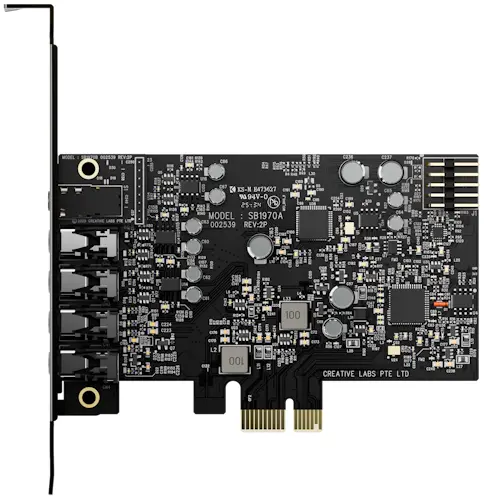
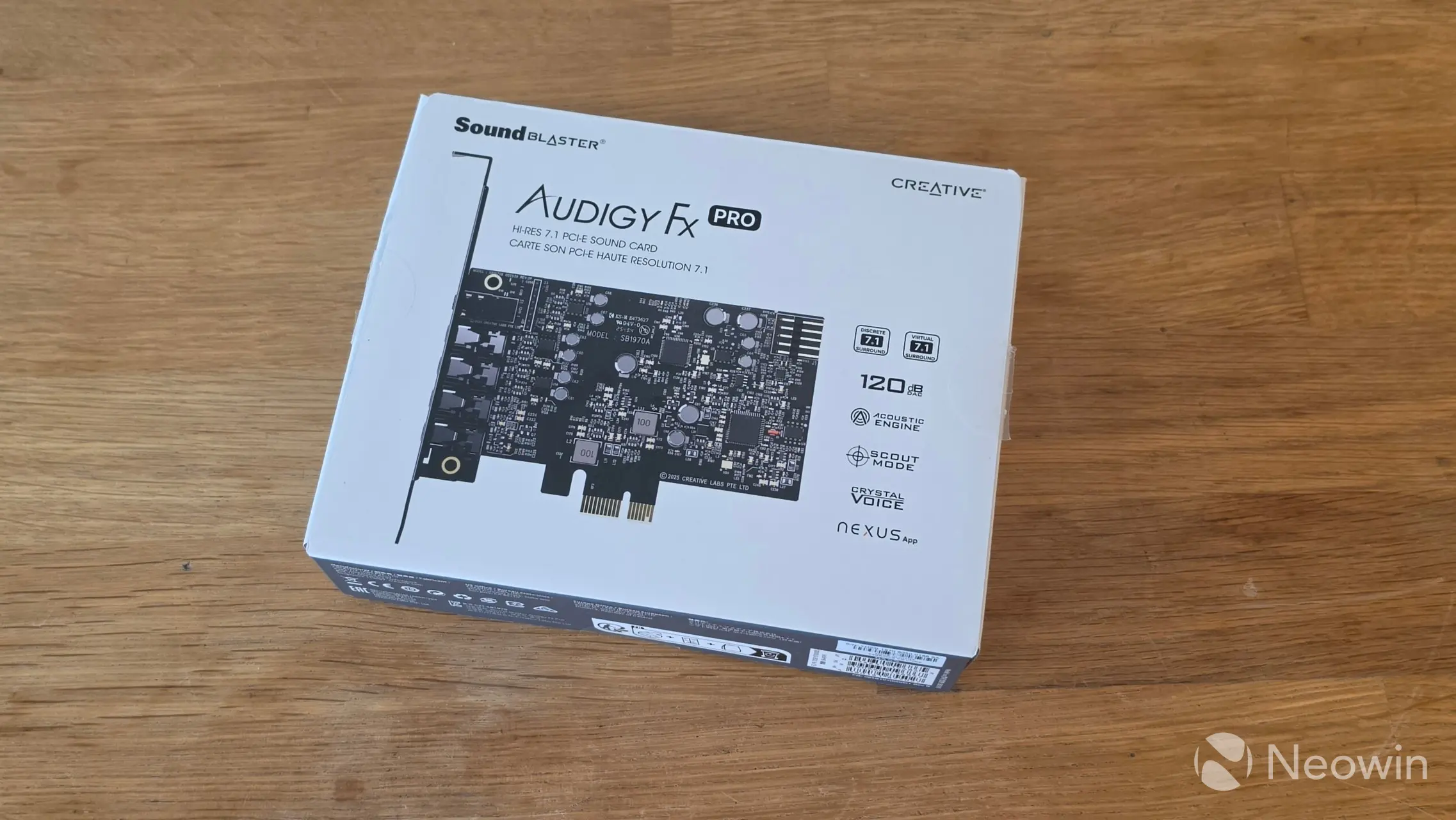
If you have been building or supporting PCs for any length of time (twenty-plus years) then you have likely heard of Creative Labs, it’s a brand well known for its Sound Blaster audio cards. I had them in the nineties, as motherboards back then either didn’t support onboard audio, or it was pretty bad. Anyway they also produce speakers, headphones, and gaming headsets. The company reached out to me asking if I was interested in testing their new Sound Blaster Audigy FX Pro. Well I haven’t had a dedicated sound card in years, so I was very interested to see where we are now with the tech.
Before we get underway, here is a disclaimer: Creative Labs provided a free sample without any review pre-approval.
Here are the full specs of it:
I should note that the card does not support digital decoding, so no Dolby Digital or DTS, which is a real shame, also because most motherboards do support it (after the correct drivers are installed) such as the Realtek ALC1220 that I have in my Gigabyte X870E AORUS MASTER. From looking on the Creative Labs website, your entry point for discrete Dolby Digital and DTS support starts at around a hundred bucks (without discounts) with the Sound Blaster Z SE.
I also want to make it clear that I am no audiophile, for me it’s purely subjective and it should just “work” out of the box, which as you will see was exactly the case with the Audigy FX Pro.
First impressions
I wrote about the Audigy FX Pro earlier this week, which included my brief first impressions. I cheated a little bit and went online to see what others thought of it and what its capabilities are, since the tech specs on the official website are a bit scarce. Anyway, I discovered that most of what I was able to find did not discuss the included S/PDIF port, and I had to reach out to my contact to confirm what kind of jack I needed for it. I had never heard of Mini Toslink before, but I ordered a cable and pretty much discovered it is useless to me due to no support for the aforementioned Dolby Digital or DTS. It’s also 2-channel. However depending on your DAC, you can get virtualized 5.1 surround over S/PDIF.
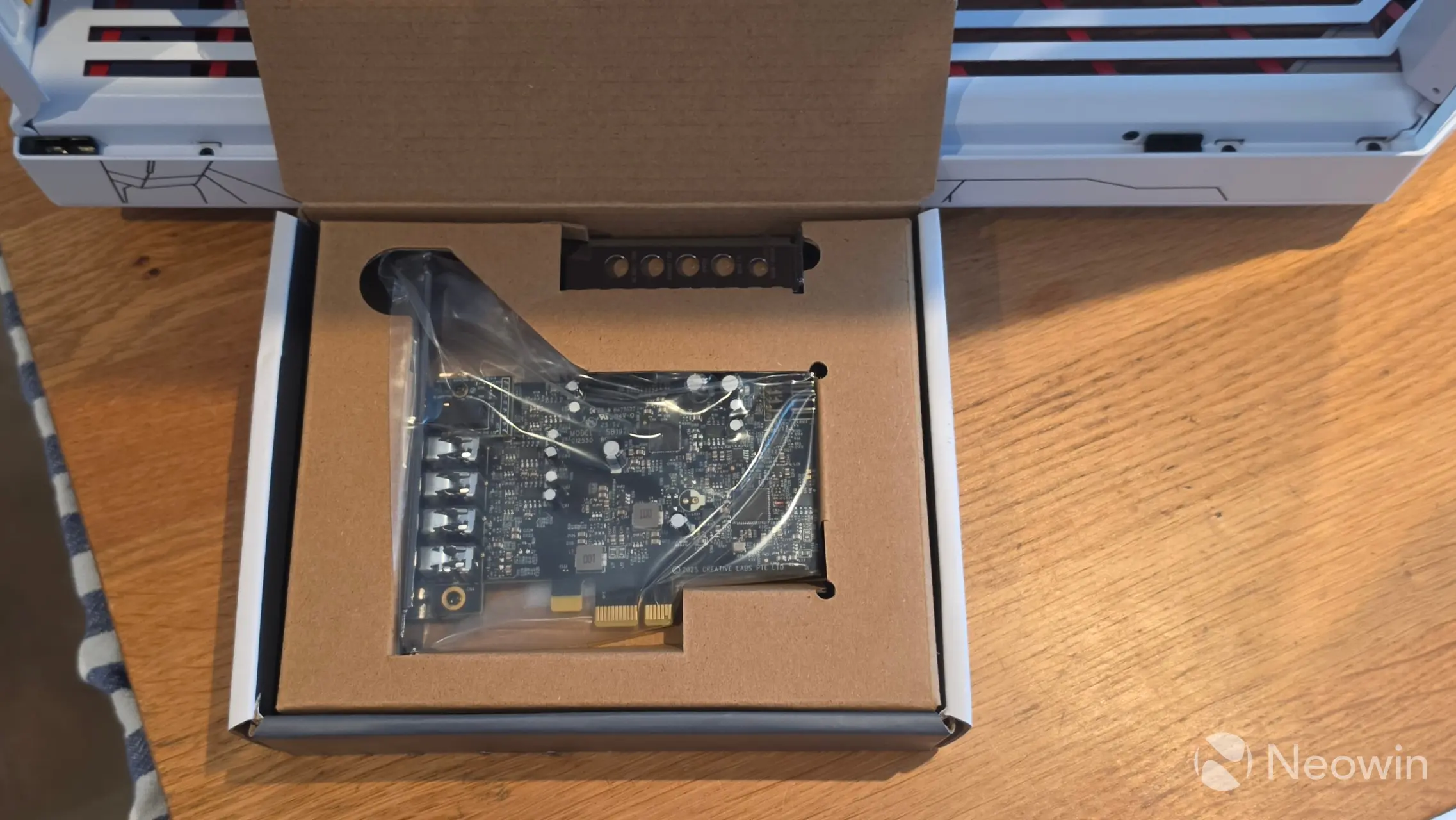
My first impressions mostly went to the surprise at how small the card is. I remember years ago when I had one of the top Audigy models, with it being quite big and long but now we are going back twenty-plus years.
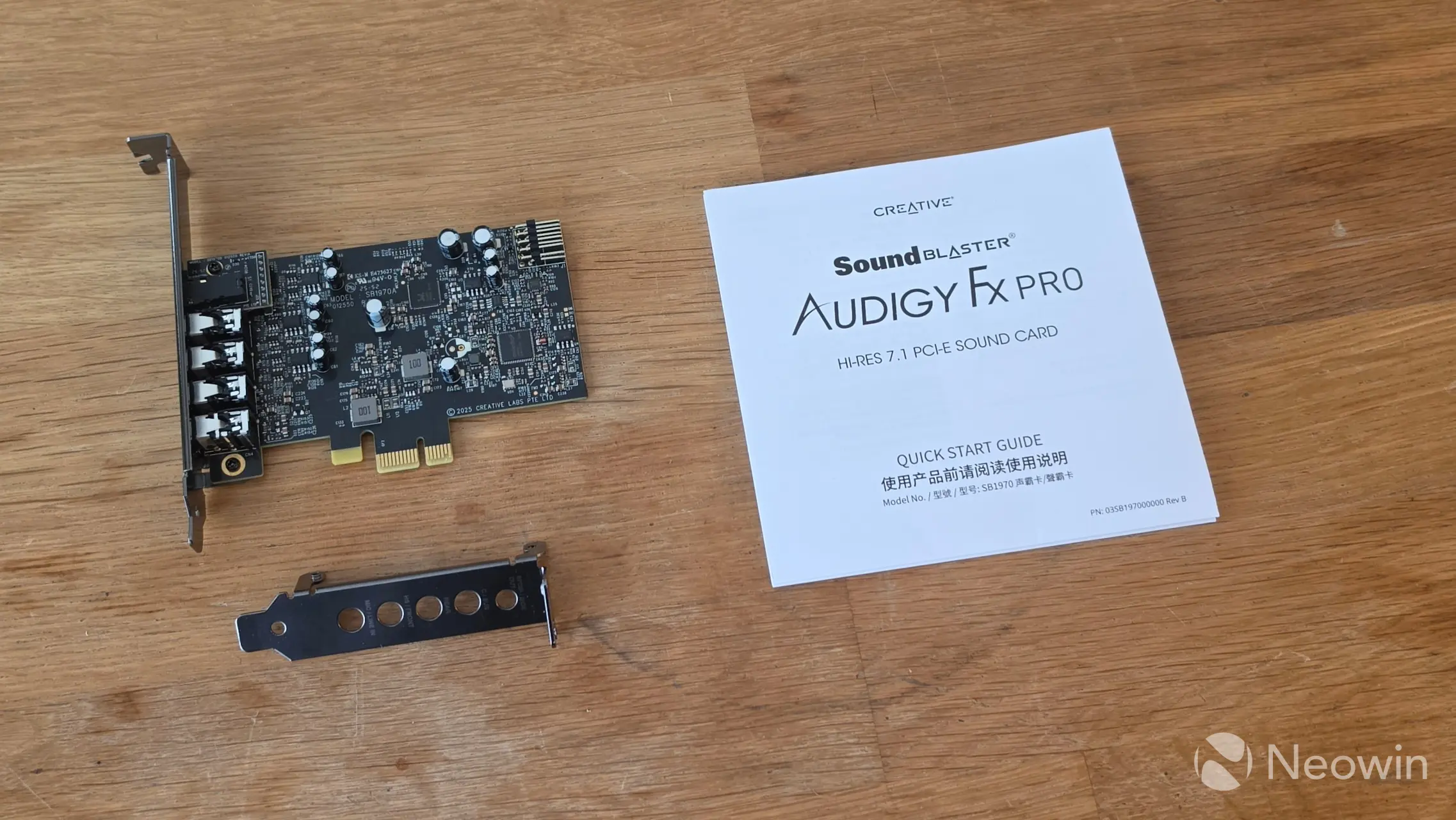
What’s in the box:
1 x Sound Blaster Audigy FX Pro Sound Card with full-height bracket mounted
1 x Half-height bracket
1 x Quick Start Guide
Aside from the Quick Start Guide, which someone at my age (I guess) needs a magnifying glass to read thanks to the tiny fonts, Creative Labs also has the manual online, which first requires you to prove that you’re human in order to access (so I can’t direct link it).
Anyway the box is mostly made up of cardboard, and the only plastic in it is the anti-static bag for the card itself. The long bracket is preinstalled, as that will account for most systems. The short bracket is included in a small compartment of the box, under that is the paper documentation.
Design
| Top | Bottom |
|---|---|
|
|
|
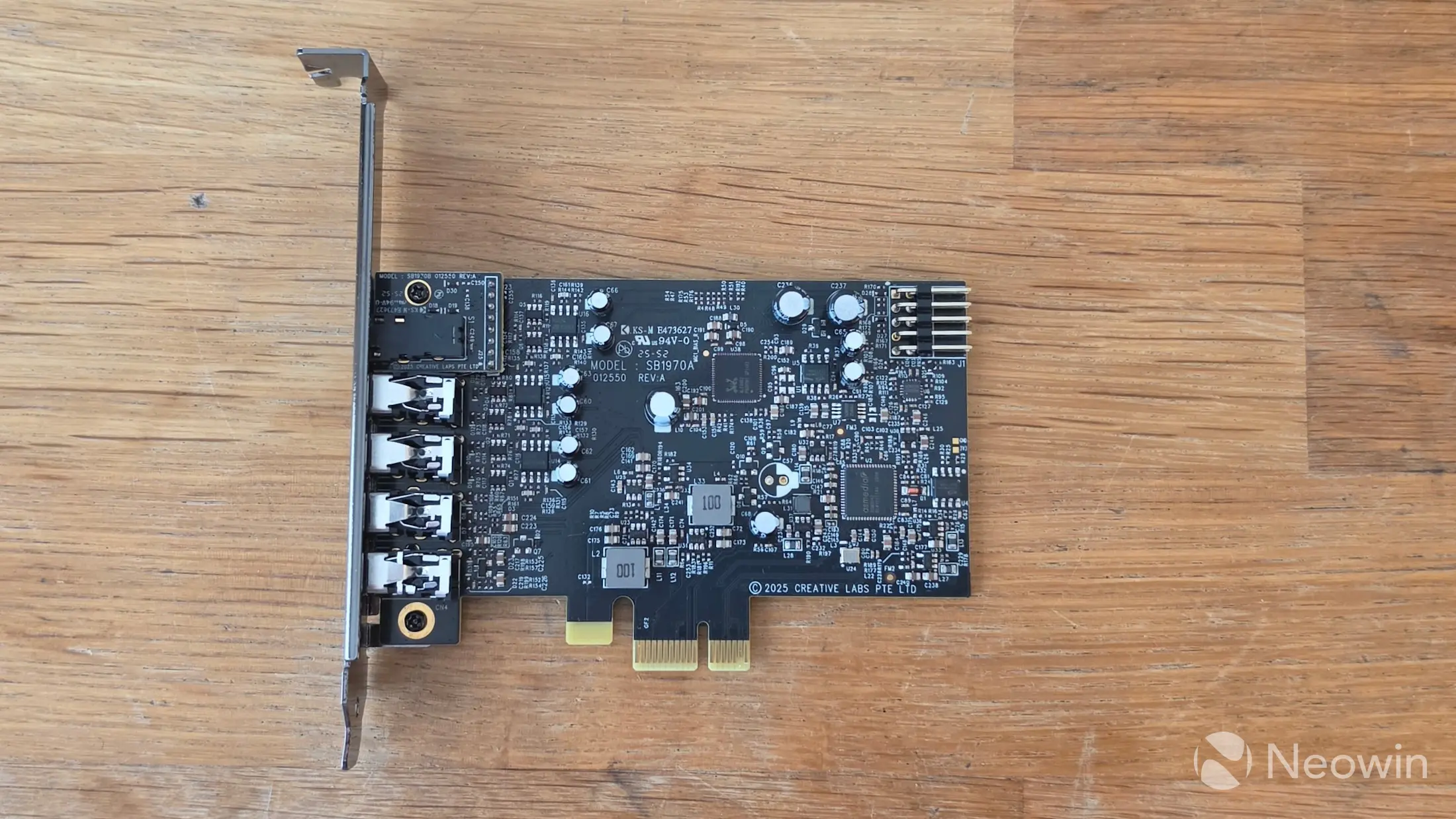
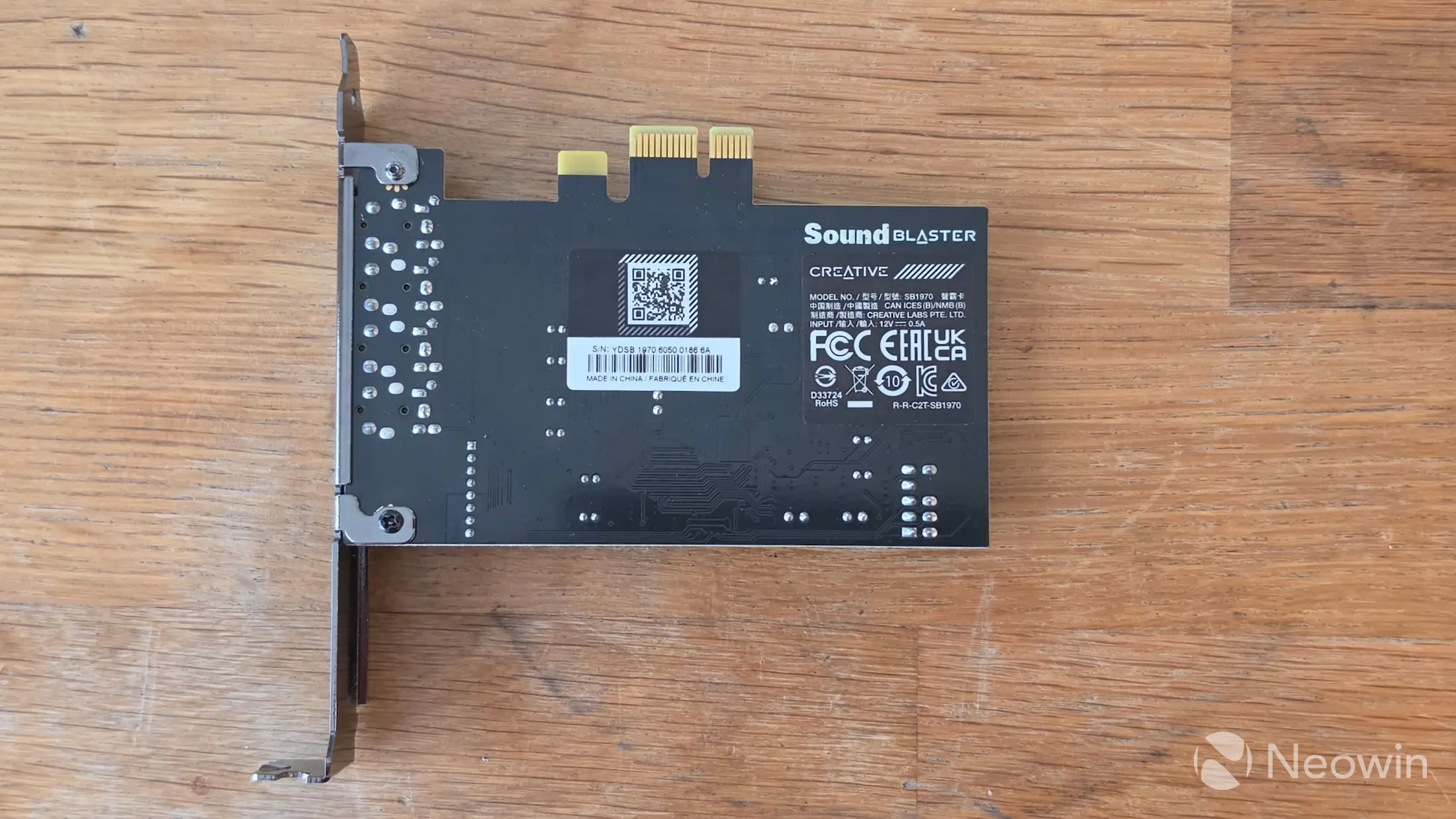
There’s not a lot to say about the design, as I already said it is quite small, no bigger than your standard internal network card. There’s only one connector, and that is for the front panel audio connector which will let you use the headphones through the front PC audio jack utilizing the Audigy FX Pro.
| Long bracket | Short bracket |
|---|---|
 |
|
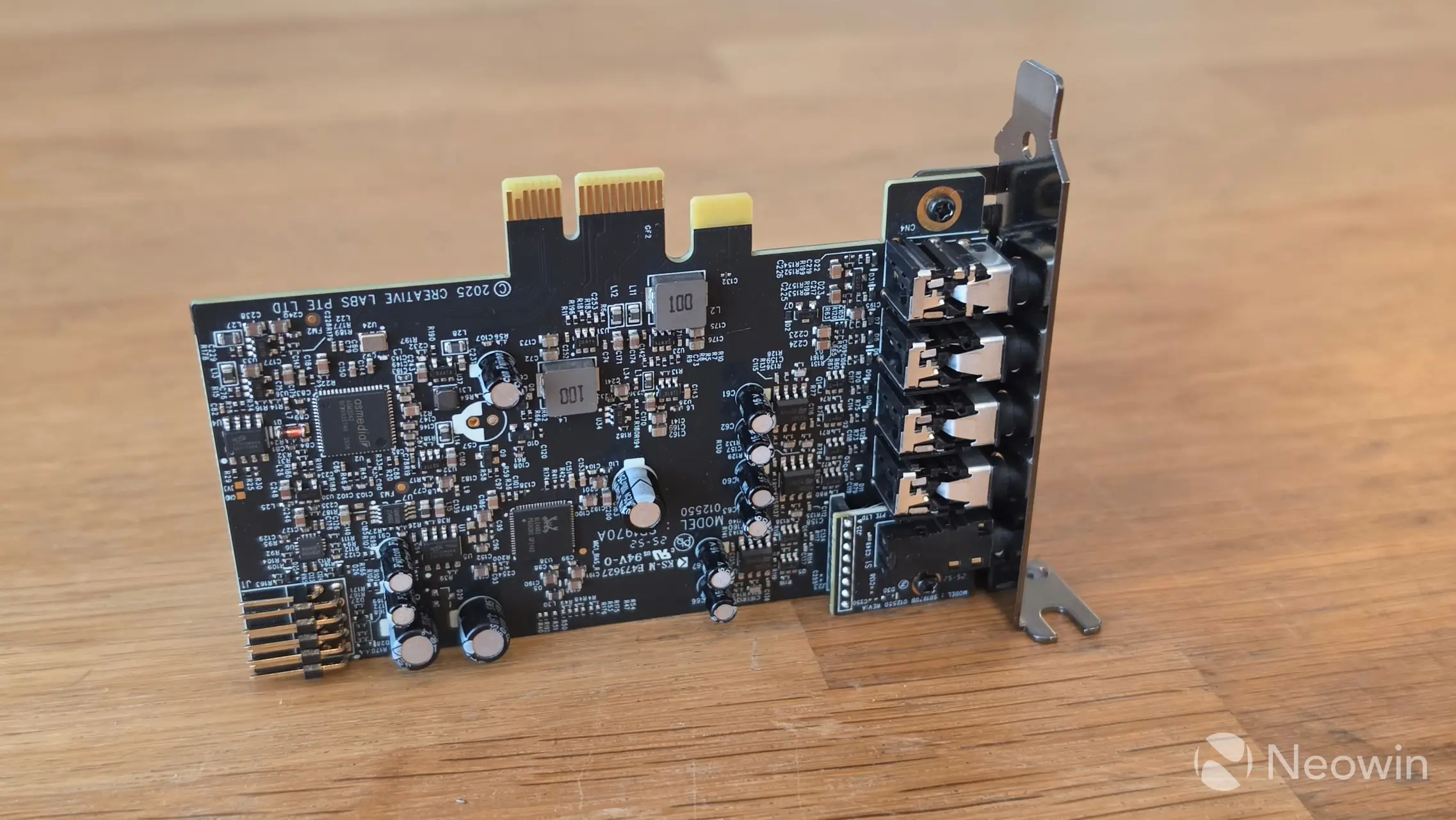
Here it is with both bracket options installed. The bracket is fastened with two screws one on the top side and the opposite screw on the underside.
|
|
|
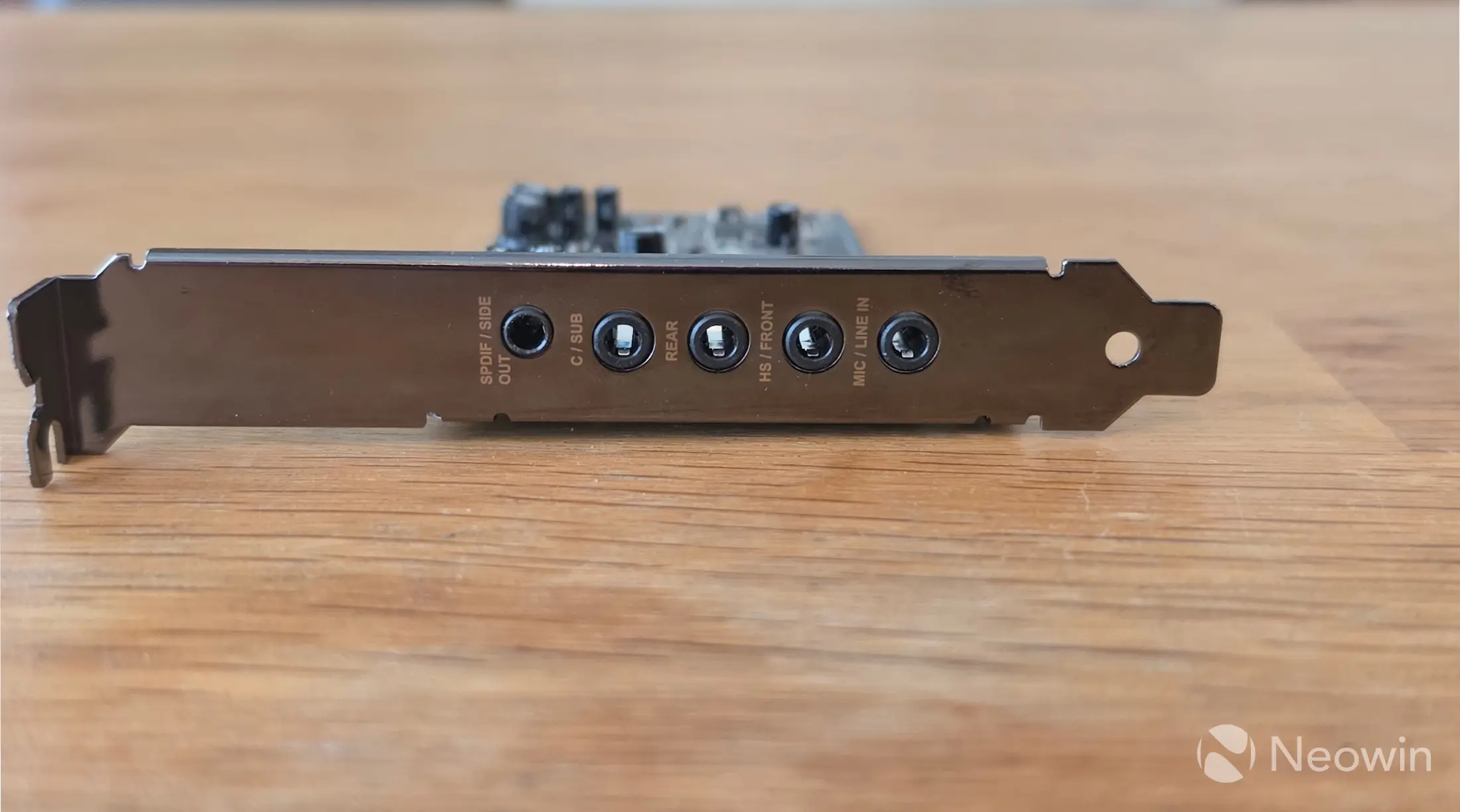
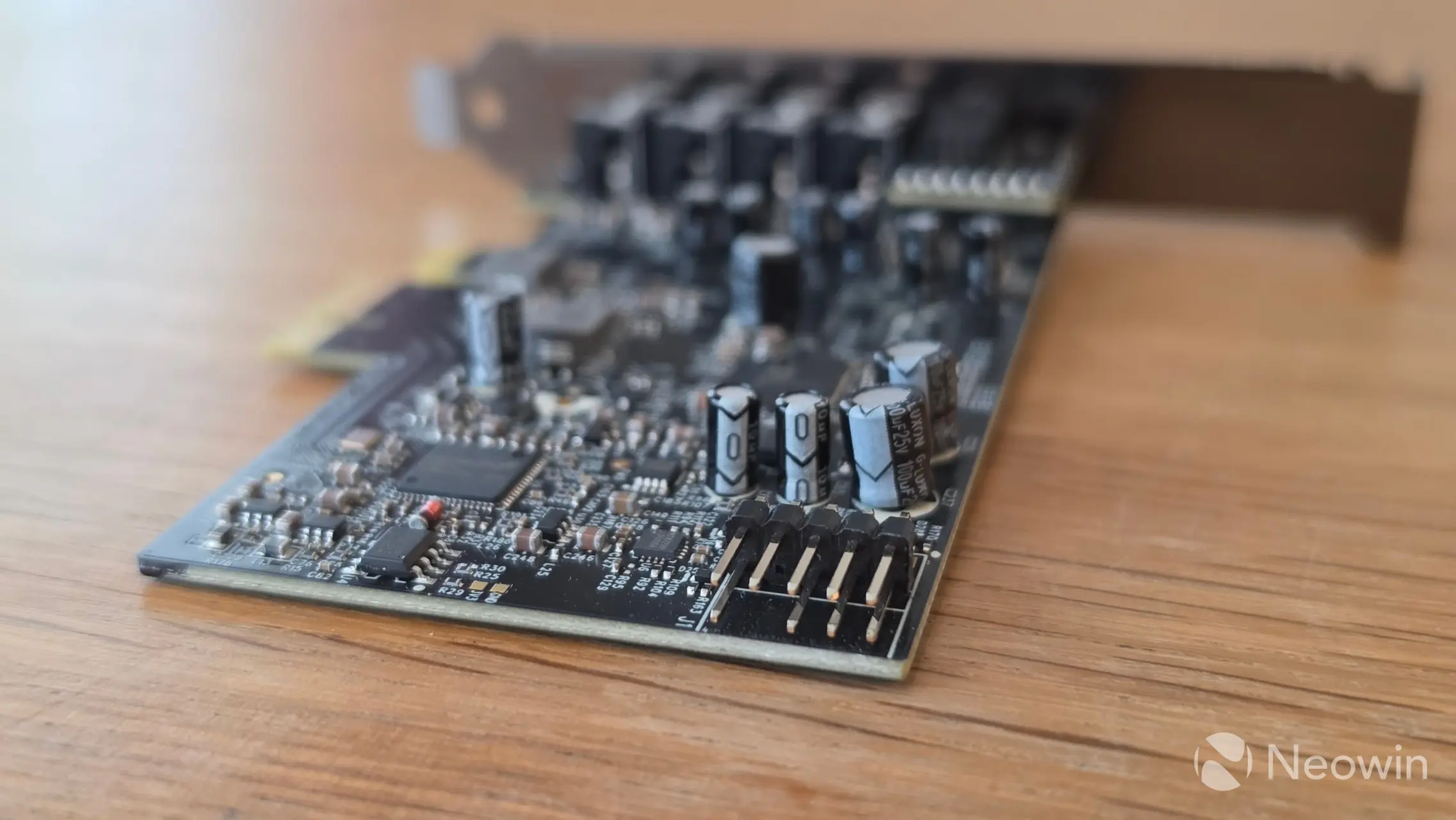
On the outer rear bracket side we have the Mini Toslink/Side Out, Center/Sub, Rear, Front/Headphones, and Mic/Line In ports. On the card itself the F-panel connector is located on the rear.
Key Highlights
- Latest addition to the Audigy FX series
- Designed as a clear upgrade over standard onboard audio
- Supports high-resolution playback up to 32-bit / 384 kHz
- Delivers up to 120 dB SNR for greater clarity and detail
- Features discrete 7.1 surround sound
- Includes a built-in headphone amplifier for improved headphone performance
- First Creative product to feature the new Creative Nexus app
Usage
Test System
Our test system consists of the following:
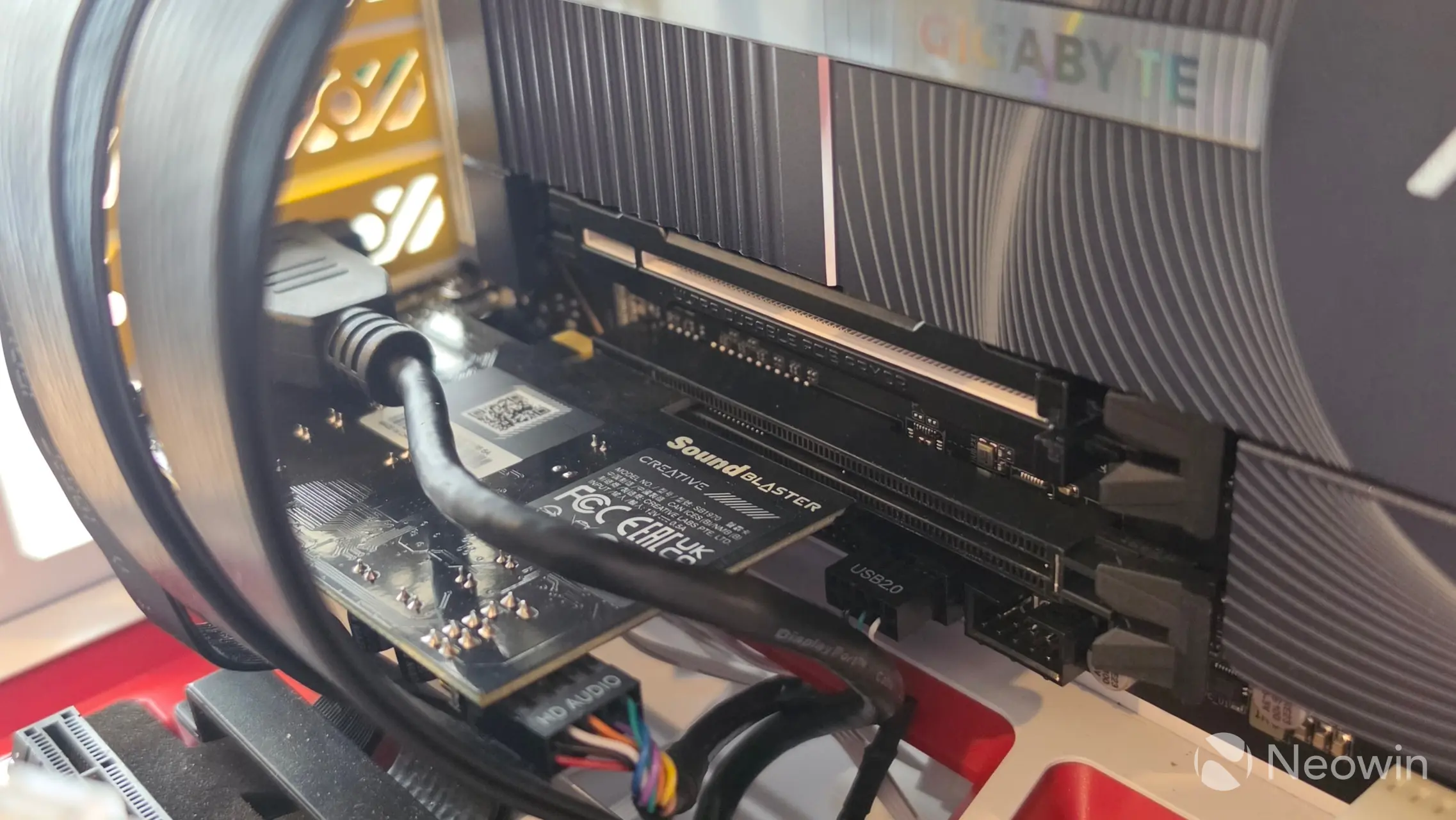
I installed the card with the short bracket into our recently reviewed HYTE Gundam Wing Y70 Touch Infinite case. The motherboard is the Gigabyte Z890 AI TOP, which includes the ES9260 onboard audio that also does not support DTS/Dolby Digital, so we’re bang out of luck unless we can truly passthrough the S/PDIF optical port to the Logitech Z906 DAC, which brings its own limitations.
For our subjective listening tests I used the 6-in-1 cable, which is limited to 5.1 surround sound. It’s tough to find a good and affordable 7.1 set designed for PCs anyway.
After installing the audio driver, I installed Creative Nexus, which is a new app designed for the Audigy series. Then I discovered the Audigy FX Pro needed a firmware update from 1.00.05.0007 to 1.00.05.0008, then I was set to go.
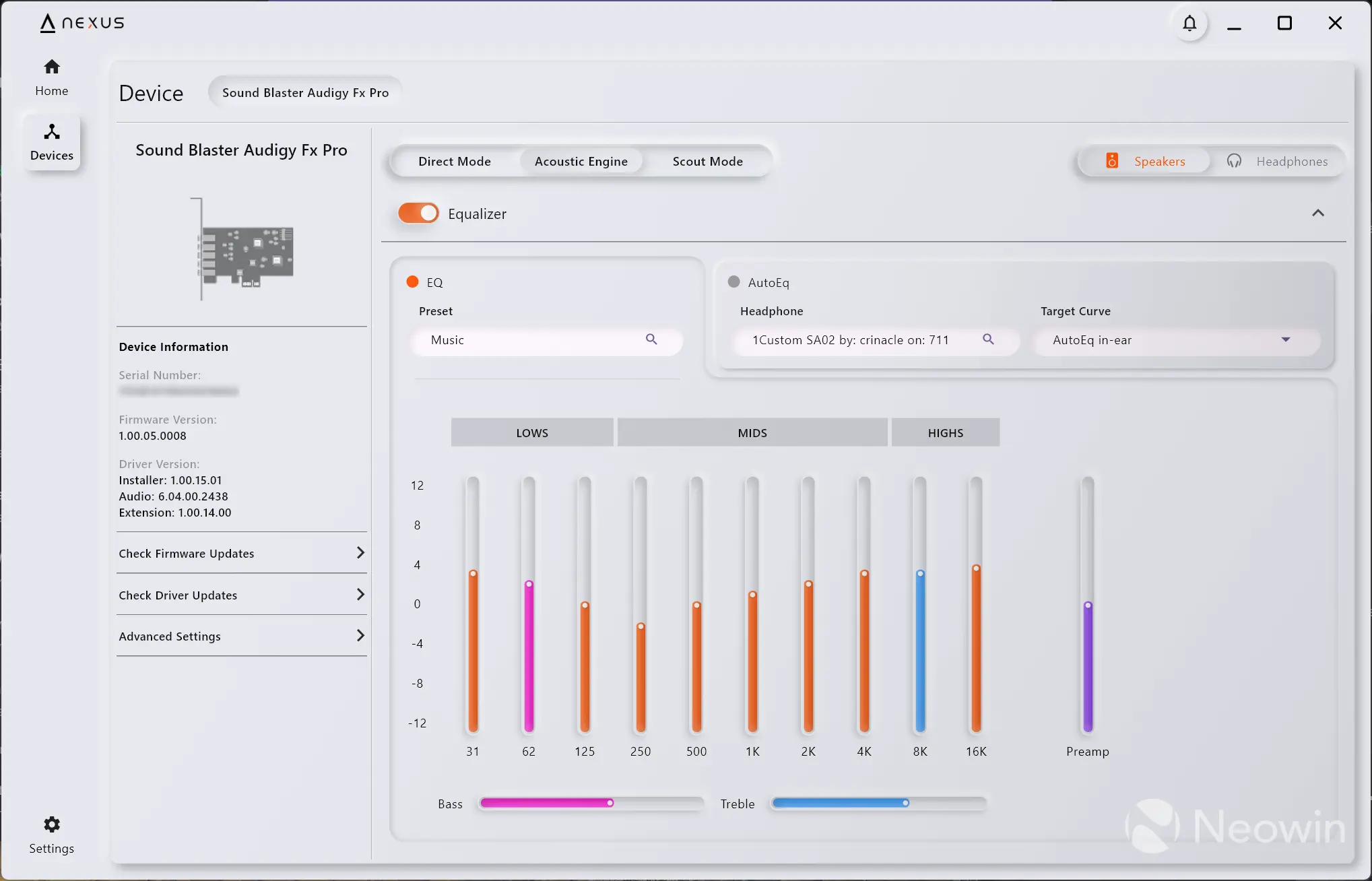
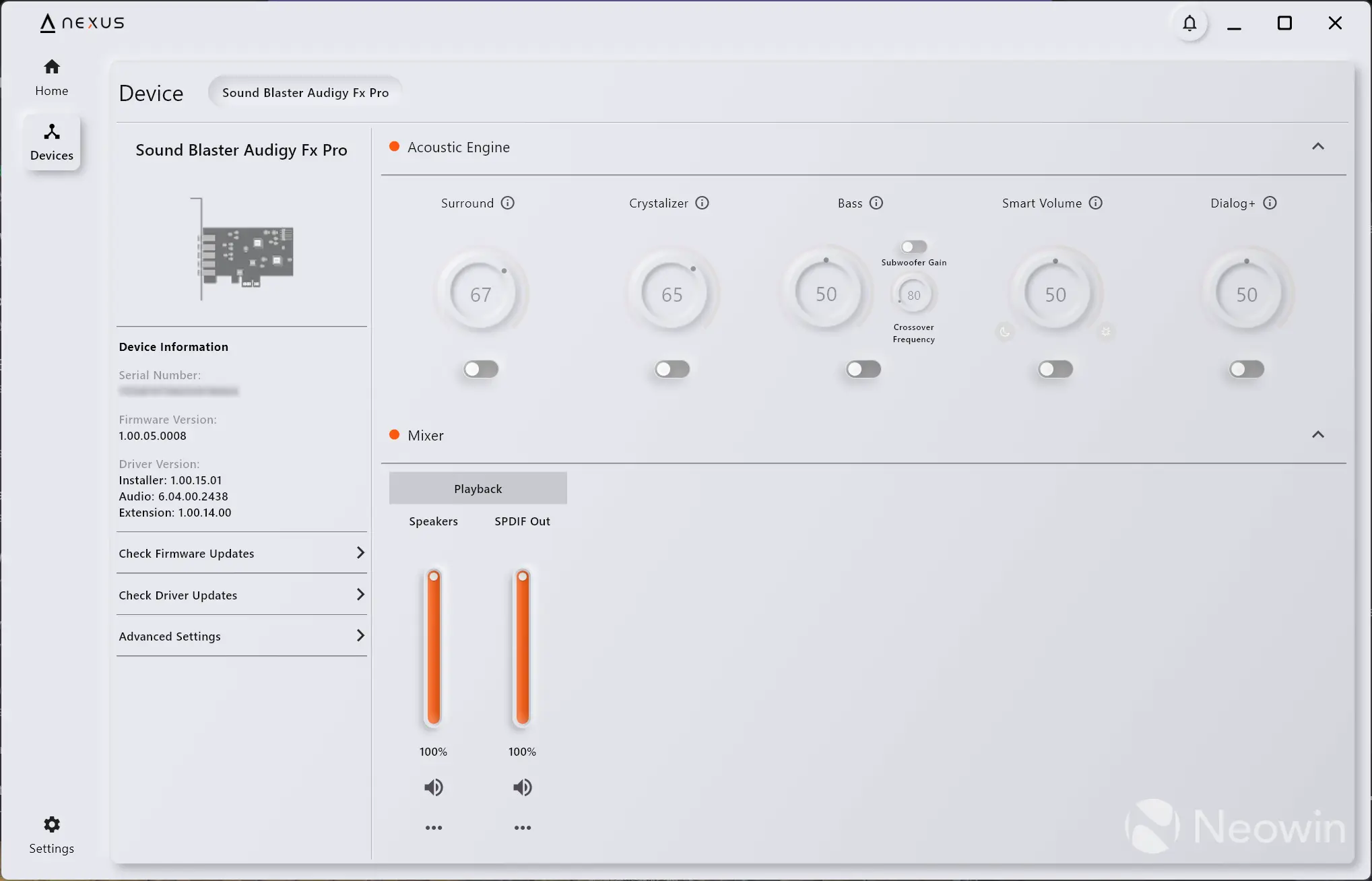
As you can see above, you can manage the firmware, driver, and inputs via Advanced Settings on the Device tab. By default Nexus enabled “Direct Mode”. Upon clicking on Acoustic Engine, the Equalizer can be enabled and set to four different presets, which are:
- Gaming
- Music
- Movies
- Footsteps Enhancer
There’s also a dedicated Scout Mode for gamers.
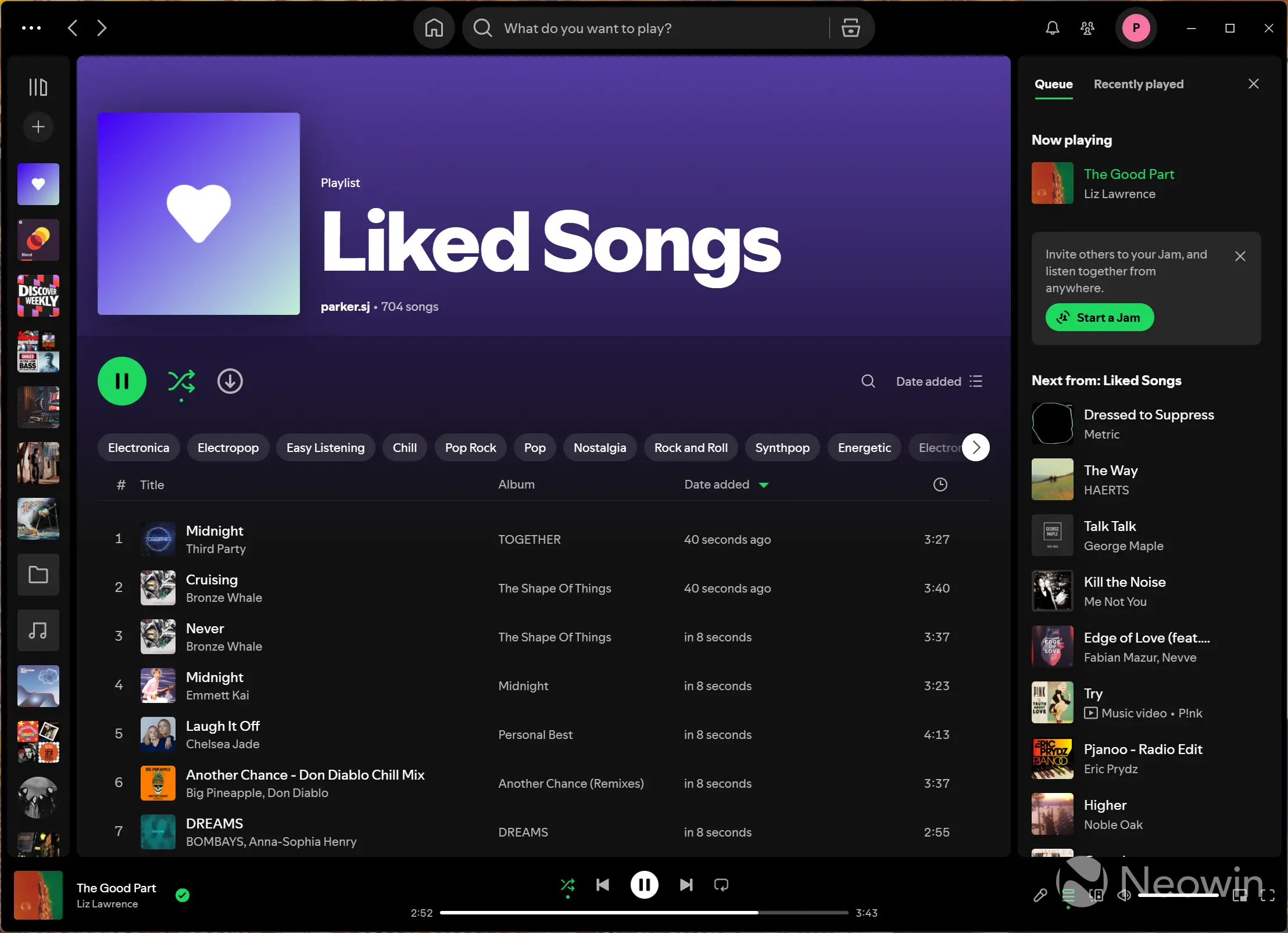
I mainly used Spotify in the past week to listen to some of my Liked Songs (which now total over 700) in Shuffle mode; there were no pops or interference that I could hear. I also found a 5.1 Surround Music playlist on Tidal that sounded really great over my Logitech Z906 5.1 setup.
I purchased the Logitech Z906 set second-hand for €100 specifically to use with this Audigy FX Pro review, and after using the set on my main PC (over S/PDIF with the APO driver, and DTS Interactive on Realtek ALC1220) and over analog with the Audigy FX Pro I am really impressed with the lows that the subwoofer produces without sounding too boomy or hollow. In fact, I kind of miss the Acoustic Engine Music preset from the Nexus app on my main PC, as I feel it widens the soundstage quite a bit.
Conclusion
The EQ offers safe presets, which allows a user to further tweak the lows, mids, and highs for a personal listening experience. Of course it all depends on the speakers you hook up to it. I found the Logitech Z906 offered a clean listening experience with the Audigy FX Pro. So who is the card suited for? If you have weak onboard audio such as the ES9260, which is 2 channel, then it makes sense to upgrade to a sound card such as the Sound Blaster Audigy FX Pro, and at around $79, it offers a great starting point for up to 7.1 channel audio.
There’s even the option to passthrough S/PDIF to apps like VLC or MPC-BE if your speakers, such as the Logitech Z906, support the decoding; but as I mentioned previously, the signal is limited to 5.1, and the app must be able to pass the signal through uncompressed to the decoder, which as I discovered can also bring bandwidth limitations over the cable.
Everything else I could find online says that the highest quality will always be over analog anyway, so if you have the speaker system to hook up to the Audigy FX Pro, it’s a great starting point at a price that squarely sits in the budget segment.
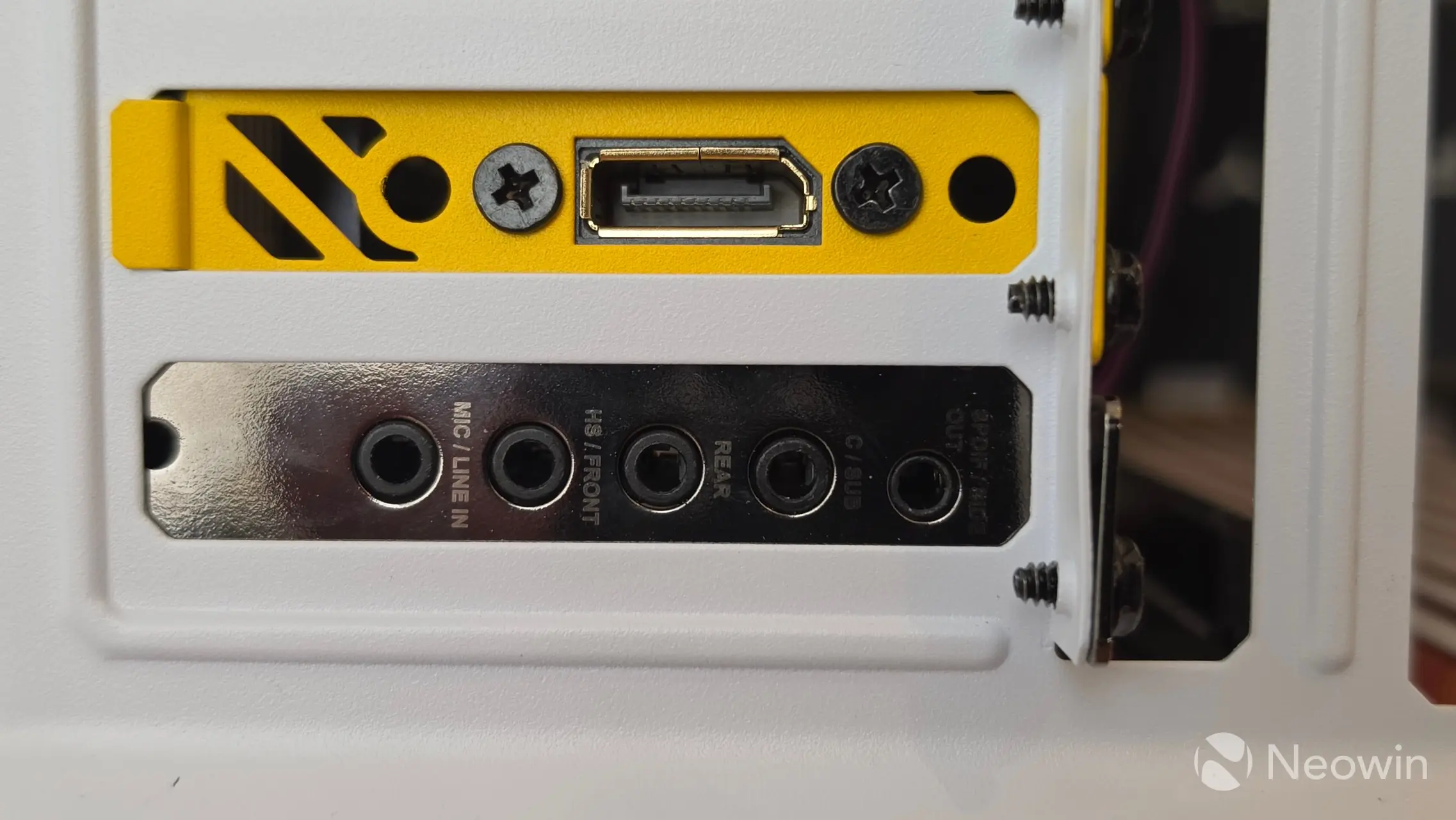
I do feel like Creative could have gone the extra mile to support the S/PDIF port a bit more. Why include it if you’re not supporting the main popular digital formats? It seems like the decision was more of a legacy-based one, offering uncompressed 2-channel PCM audio, for users with high-fidelity audio systems and external DACs.
I am sure readers with far more knowledge on audio systems than me will correct me in the comments below. I’ll just say I am happy to learn what I don’t know!
Where to buy
The Audigy FX Pro became available to purchase in mid March and is targeted at enthusiasts and PC builders. The card doesn’t appear to be available on Amazon UK or DE, but it can be ordered directly from the Creative website.
As an Amazon Associate we earn from qualifying purchases.
Sound Blaster Audigy FX Pro
Pros
Affordable
Built-in headphone amplifier
Analog + S/PDIF option
Cons
No DTS or Dolby Digital support
No EMI Shielding