AI image editing in 2026 is no longer about which tool you use. It’s about how well you communicate your intent. Whether you’re working with Google Gemini, ChatGPT, Microsoft Copilot, or Meta AI, the difference between an average edit and a professional result often comes down to your prompt.
What has changed most is the shift toward realism and control. Over-edited images are easy to spot and less desirable. Today’s best prompts guide AI with precision, covering lighting, texture, mood, and context.
Below are five of the most effective AI prompts for image editing in 2026, designed to work across major platforms while still allowing flexibility depending on the tool. Most of the prompts below work across all these platforms. Where one tool has a specific advantage, it’s noted.
Background Replacement with Realistic Integration
Across all AI tools, background editing remains one of the most powerful features. But the key is not just replacing, it’s blending.
The prompt: “Remove the original background and replace it with a modern office environment. Use soft natural daylight from the left, apply slight background blur, and match lighting and shadows to the subject for a seamless, realistic look.”

This works well in tools like Gemini and ChatGPT because they understand context, while Copilot and Meta AI benefit from clear lighting instructions.
Virtual outfit transformation
AI-powered outfit changes are now common across all major platforms, especially when detailed descriptions are used. You no longer need a physical photoshoot to update your professional portfolio. This prompt allows you to swap a casual shirt for a high-end, tailored blazer while keeping your body shape and posture completely natural.
The prompt: “Change my outfit to a tailored ivory silk blazer with sharp shoulders, worn over a champagne-toned satin blouse. Maintain my natural body posture and proportions. Ensure the fabric texture looks realistic with subtle folds and natural light reflections.”


The inclusion of fabric behavior, such as folds, helps tools like Grok and Copilot generate more believable results.
Hyper-realistic image enhancement
For improving quality without changing the scene, this prompt works across all platforms.
The prompt: “Enhance image quality with ultra-realistic detail. Improve sharpness, refine textures, balance lighting, and maintain natural colors without oversaturation.”
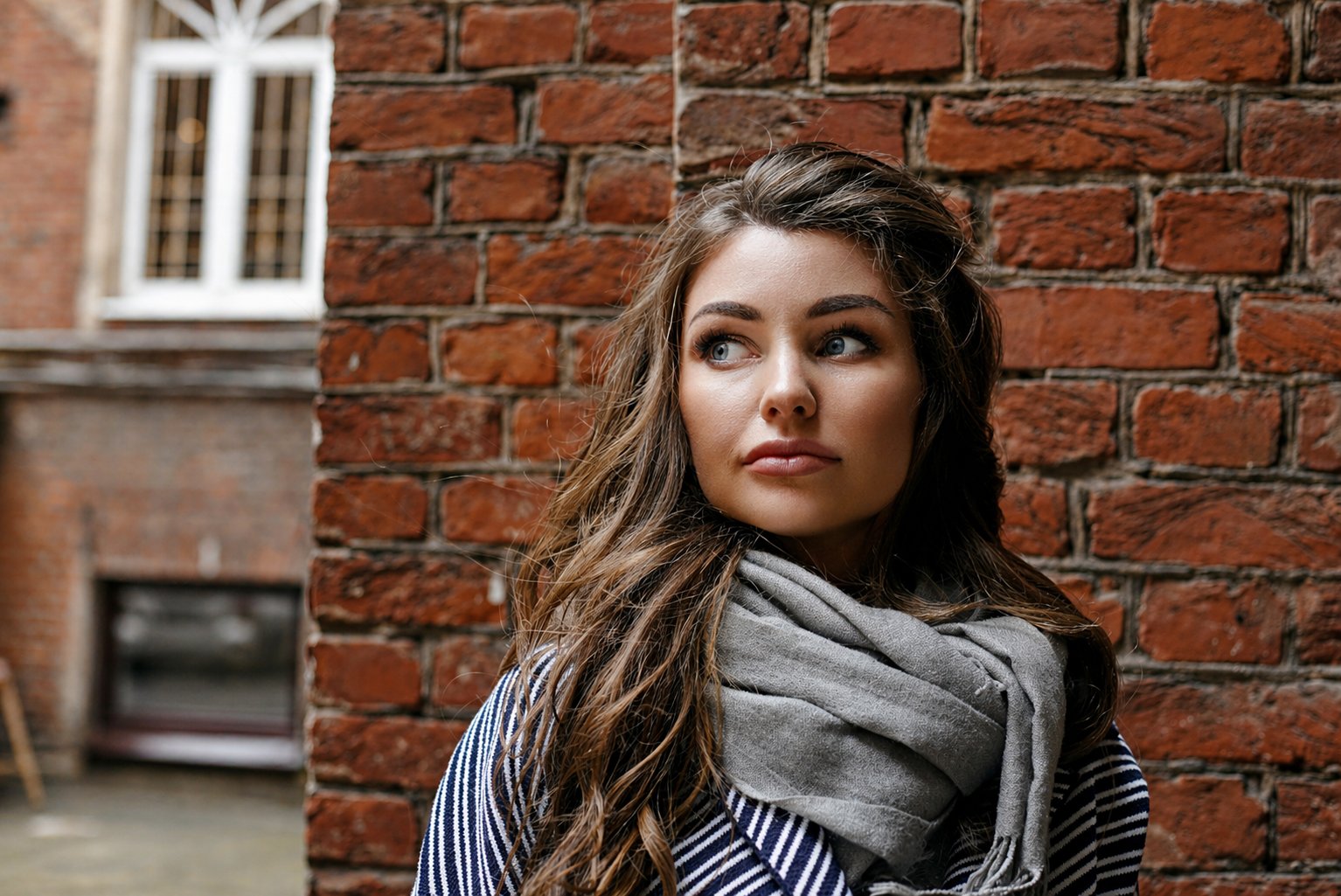
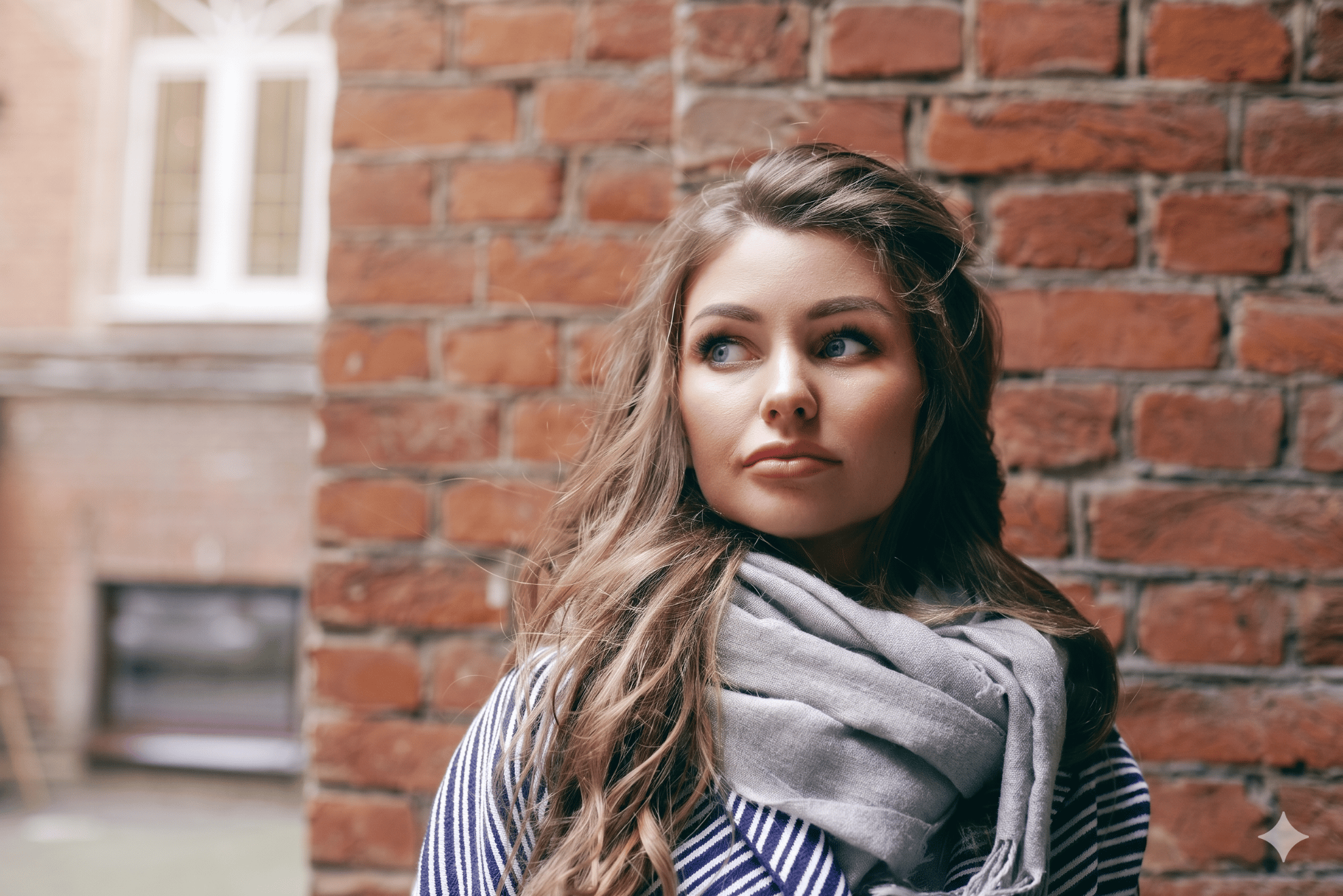
This is especially useful in Gemini and ChatGPT workflows where clarity improvements are often needed.
More must-read AI coverage
Professional headshot from any photo
You don’t need a studio to get a headshot anymore. This prompt turns casual photos into professional LinkedIn or portfolio images. It standardizes lighting, adds a clean background, adjusts posture slightly (where possible), and creates that “approachable professional” look.
The prompt: “Convert this photo into a professional corporate headshot. Replace the background with a soft gradient gray or off-white studio backdrop. Add even, soft lighting from the front and slightly above. Reduce any harsh shadows under the chin and eyes. Gently smooth skin without losing texture. Make my expression appear confident and approachable—do not change my actual smile or eye shape. Remove any distracting jewelry or accessories unless they are minimal. The final image should look like it was taken by a professional photographer in a studio. Keep my identity 100 percent intact. Aspect ratio: 4.3”
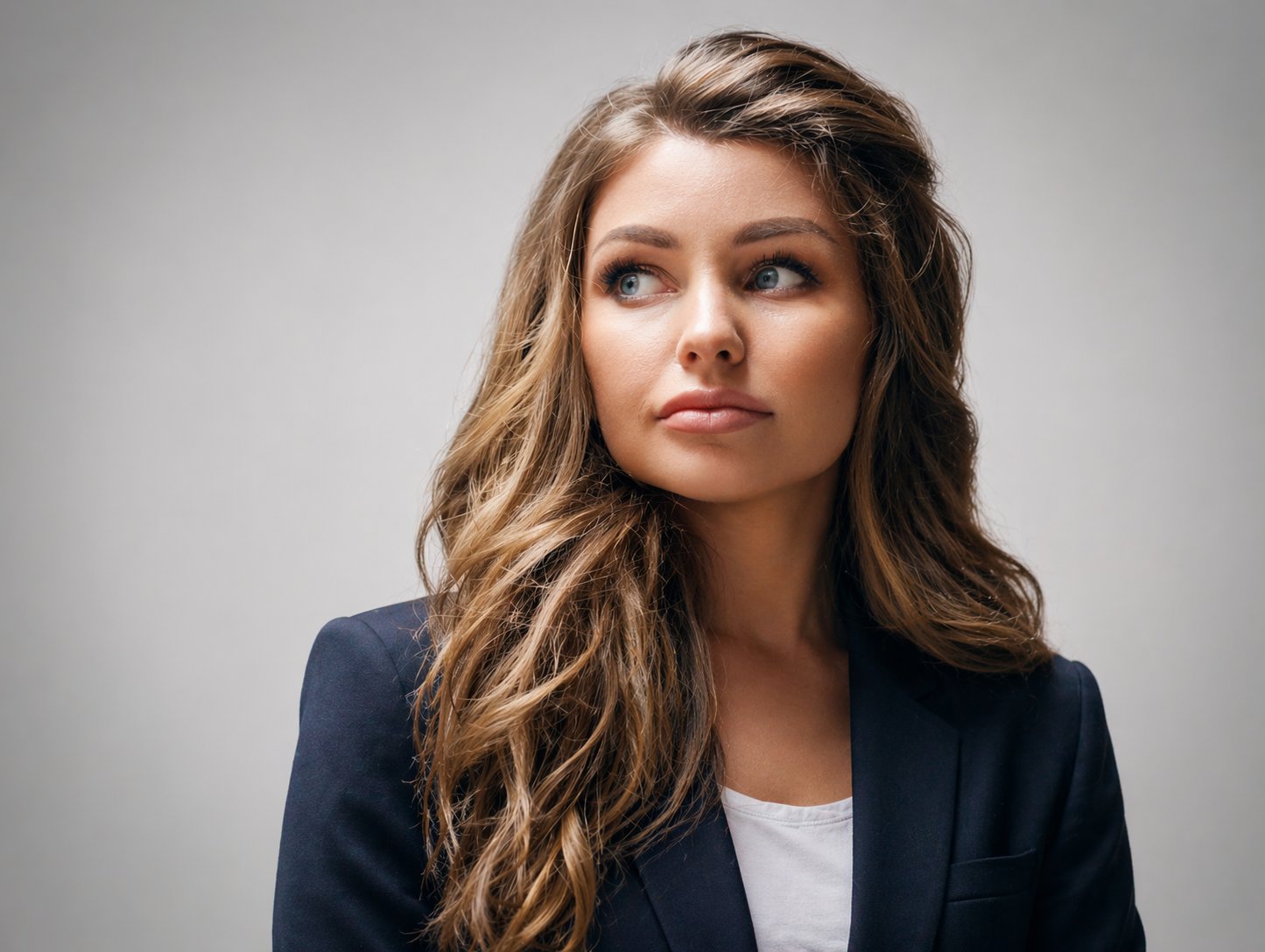
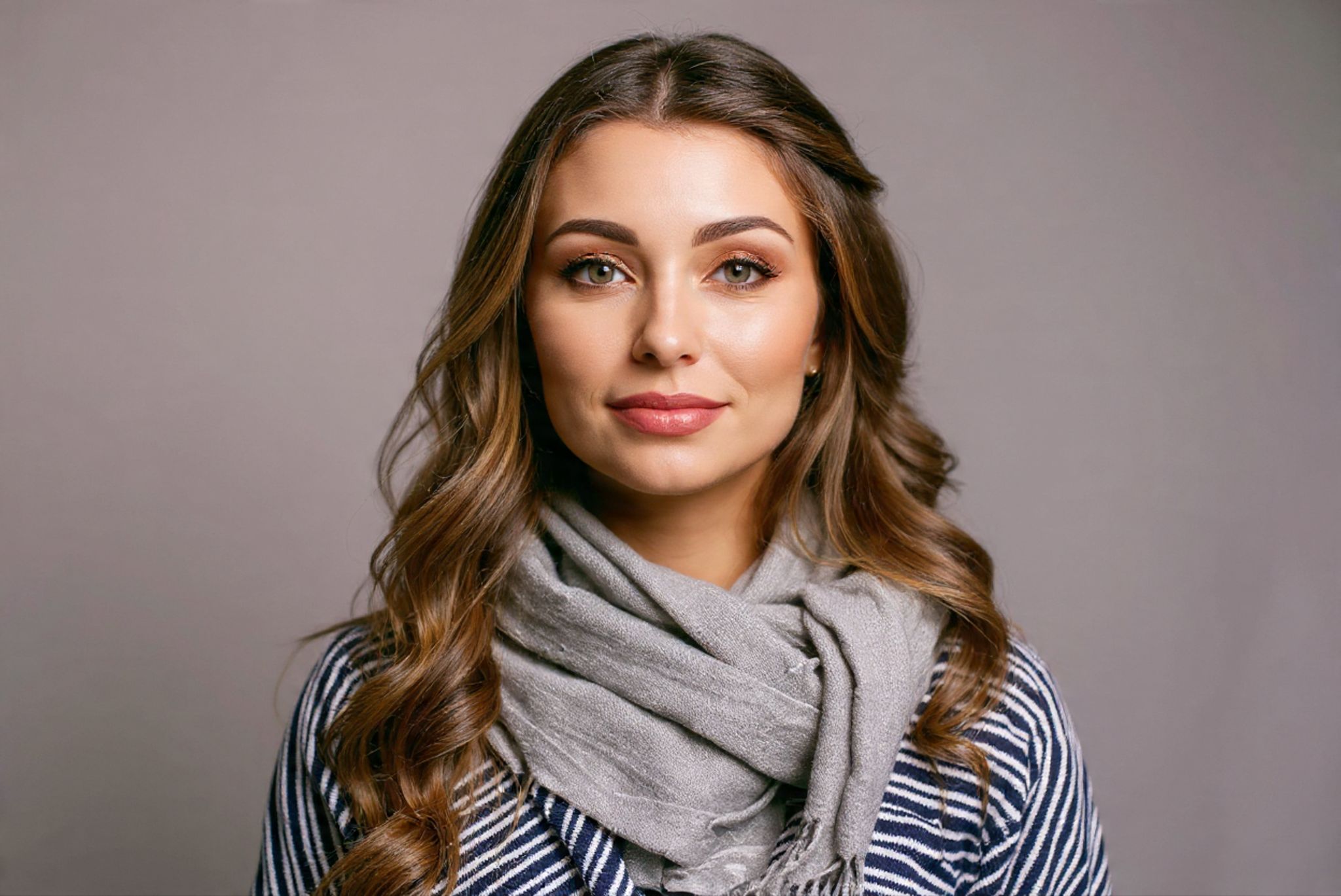

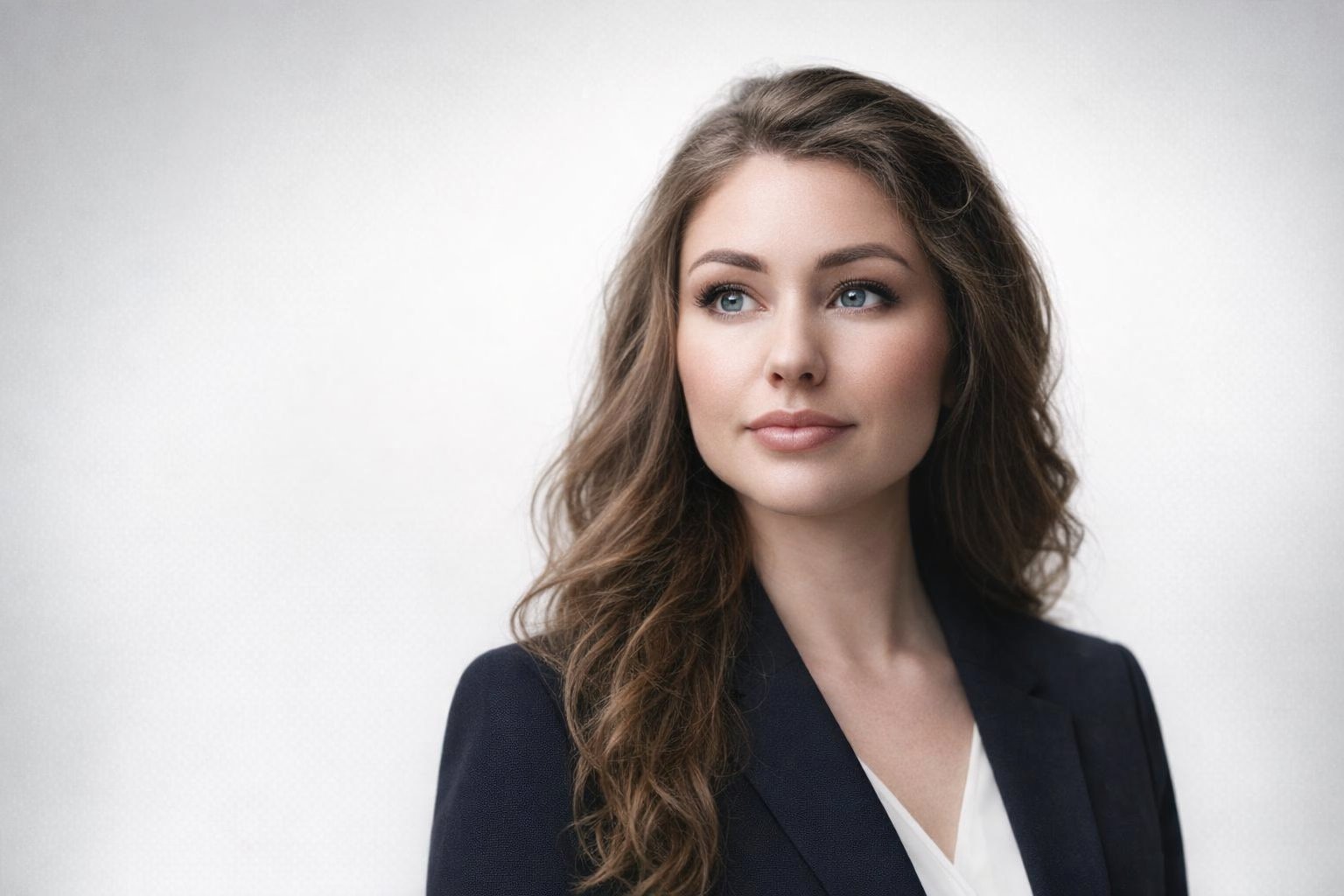
Works best on Copilot Gemini, Meta AI, and ChatGPT.
Product photo clean-up
If you sell things online, you know how hard good product photos are. This prompt turns phone snapshots into catalog-ready images. It removes backgrounds, evens lighting, sharpens details, and creates a clean commercial look.
The prompt: “Edit this product photo for a professional online store listing. Remove the entire background and replace it with pure white. Make the lighting even across the entire product with no harsh shadows. Increase sharpness and clarity so all textures and details are visible. Remove any dust, scratches, or reflections that shouldn’t be there. The product should be perfectly centered. Colors must be accurate to real life—do not boost saturation artificially. Add a very soft shadow beneath the product so it looks grounded. Commercial photography quality, ultra realistic.”
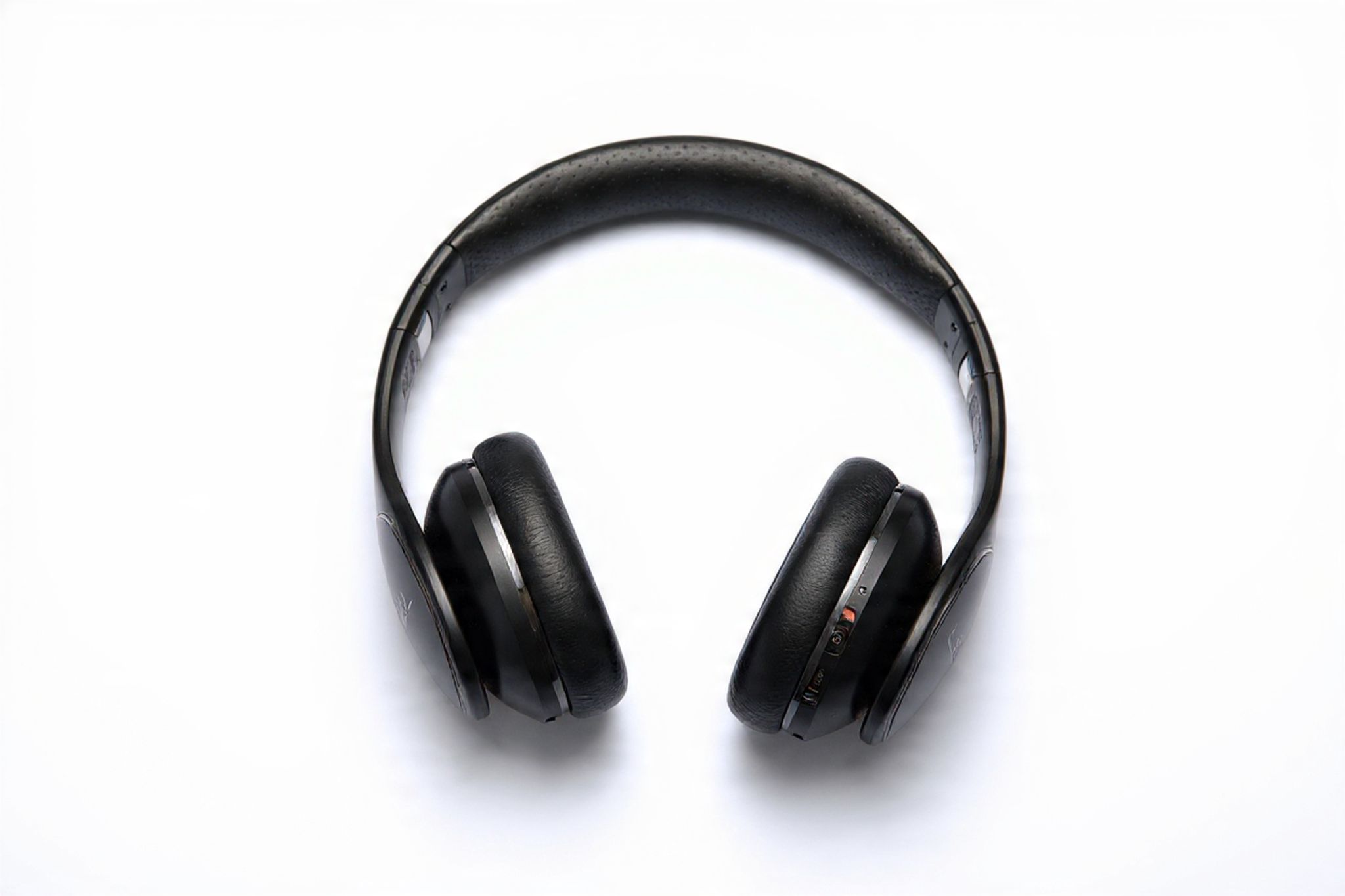
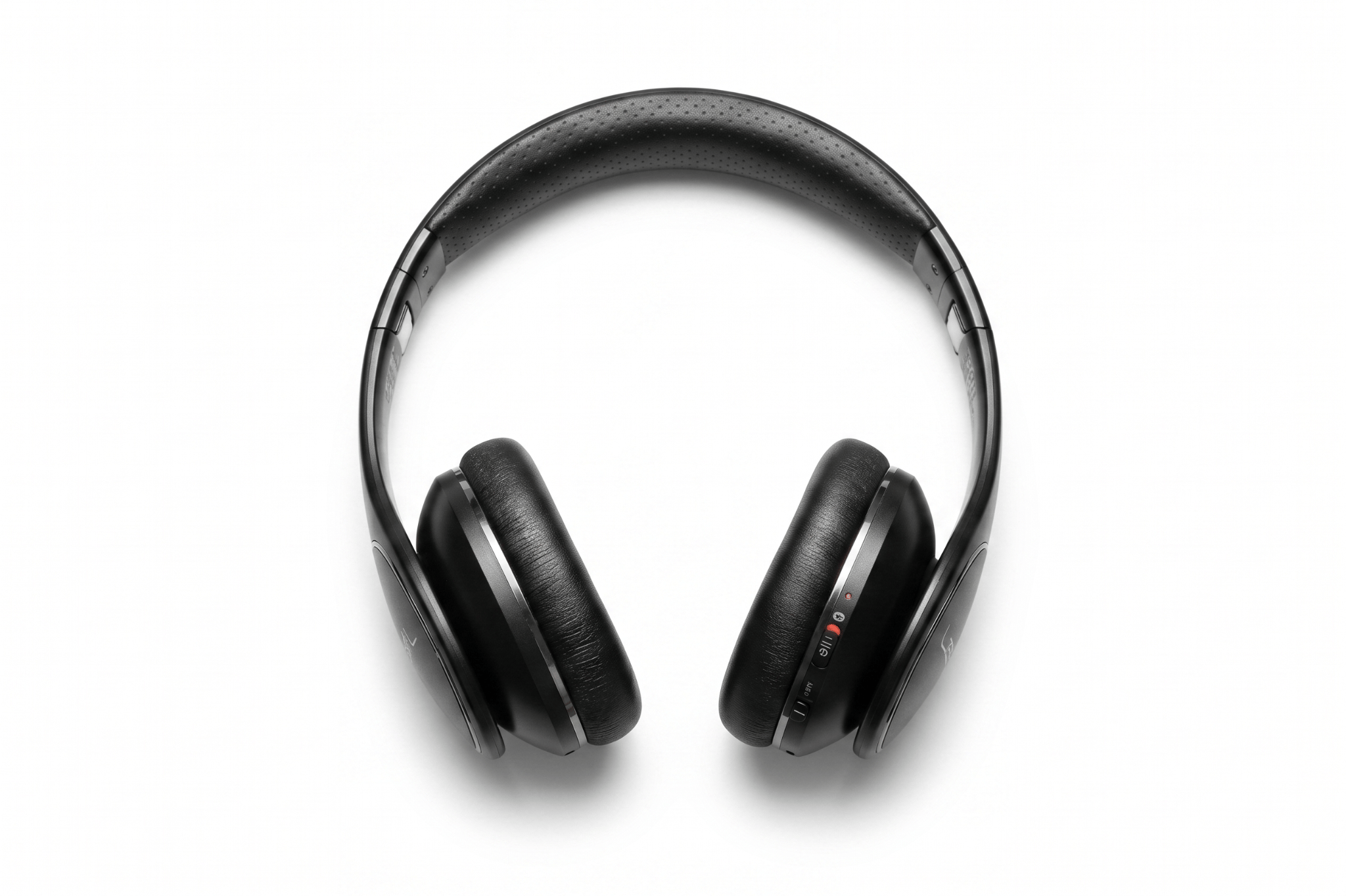
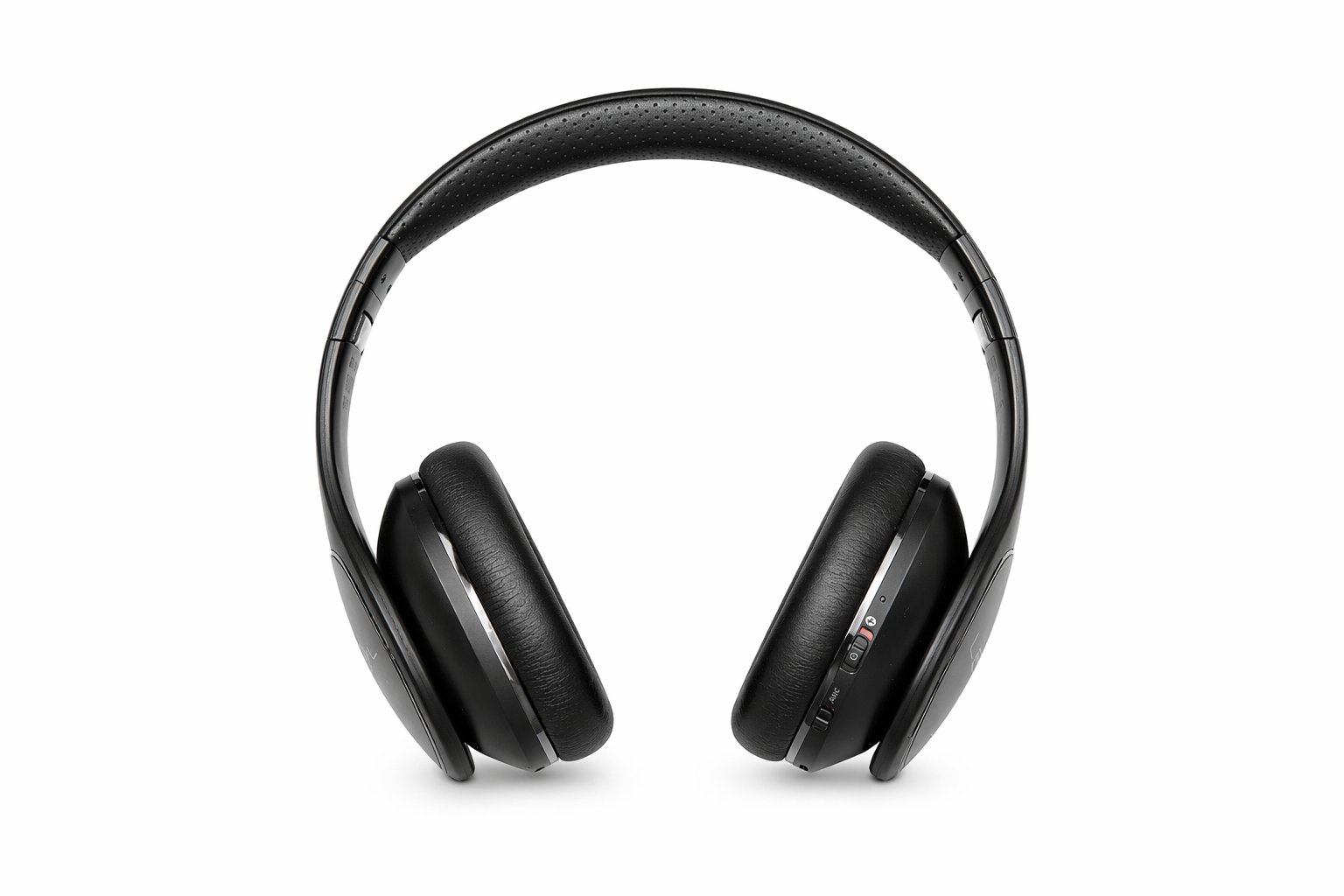
Works best on Meta AI Copilot, Gemini, and ChatGPT. For multiple products, use the same prompt each time for consistent results across your store.
Final thoughts
The best prompt in the world will struggle to fix a bad original photo. Start with the clearest, best-lit image you can. Face front or slightly turned. Good lighting on the subject. Simple background, if you plan to change it.
And here’s my biggest piece of advice: iterate. Your first result won’t be perfect. Change one word, try again. Add a detail, remove a detail. The AI learns from what you accept and reject. These five prompts will get you 90 percent of the way there. The last 10% is you learning to talk to these tools like a director talks to a camera crew. Clear. Specific. Patient.
Editor’s note: This article originally appeared on our sister publication, eWeek.